![Eleiko_Logo_2021.png]](https://knowledgebase.eleiko.com/hs-fs/hubfs/Eleiko_Logo_2021.png?height=40&name=Eleiko_Logo_2021.png)
Filter any dashboard
To learn how to filter a dashboard on certain data you can watch the guide here How to set Dashboard Default or read the guide below:
Go to Reports > Dashboards and then choose a dashboard from the list in the upper left.
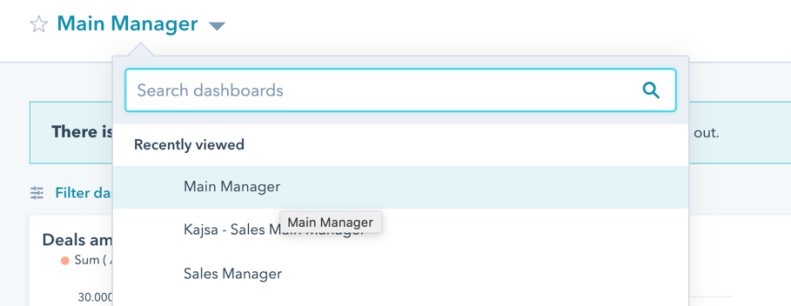
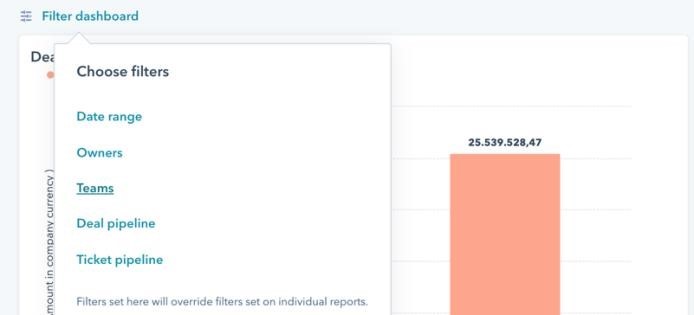
Now you will see the full dashboard. To make a certain one as a default you first need to filter the one you want. For example, you can filter from teams.
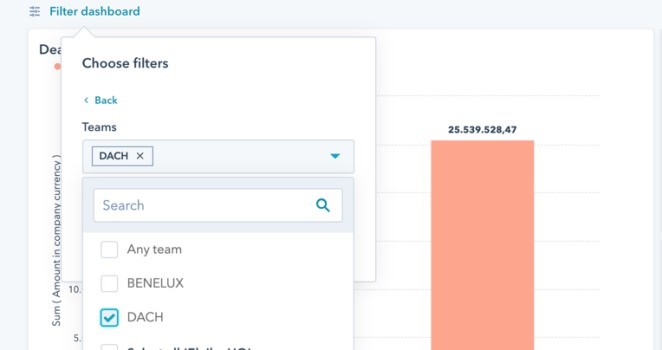
And from there you just choose the one you want and then Apply.
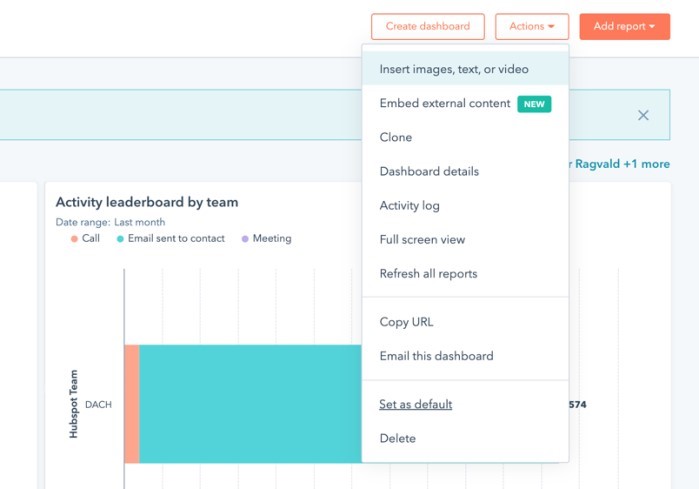
Now you have filtered to the dashboard and if you want and to make this one the default go to Actions and choose Set as default.