![Eleiko_Logo_2021.png]](https://knowledgebase.eleiko.com/hs-fs/hubfs/Eleiko_Logo_2021.png?height=40&name=Eleiko_Logo_2021.png)
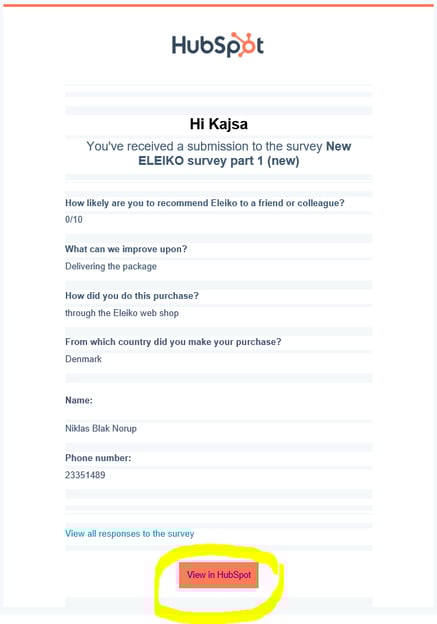
- To view the survey click ”View in HubSpot” in the email received.
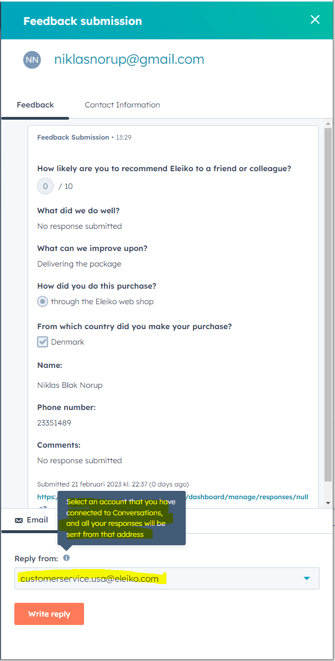
- You can answer the customer directly form here (but you will probably check out the information regarding the customer first .- see steps below)
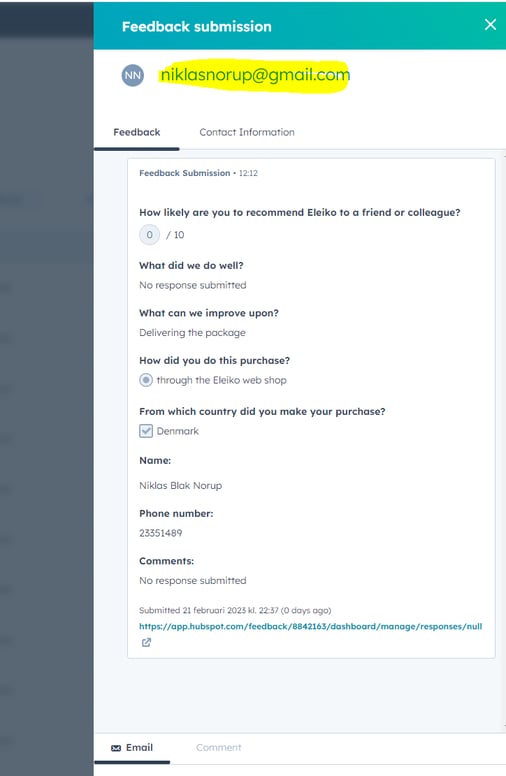
- To see the customer information in HubSpot click on the email address.
- Check the Activity feed or click Email tab to see any previous communication.
To see any orders click Action > Open (to view the Enterprise window) or Actions > Link if it is not linked yet.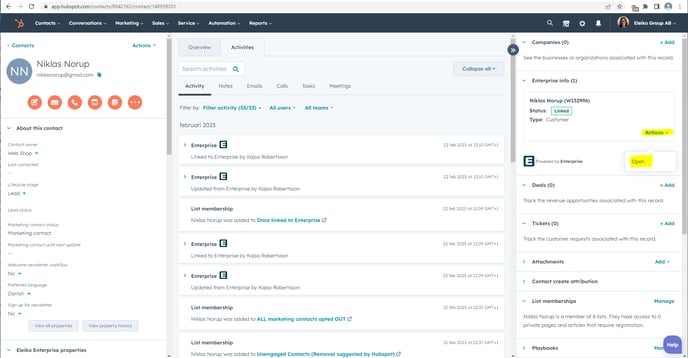
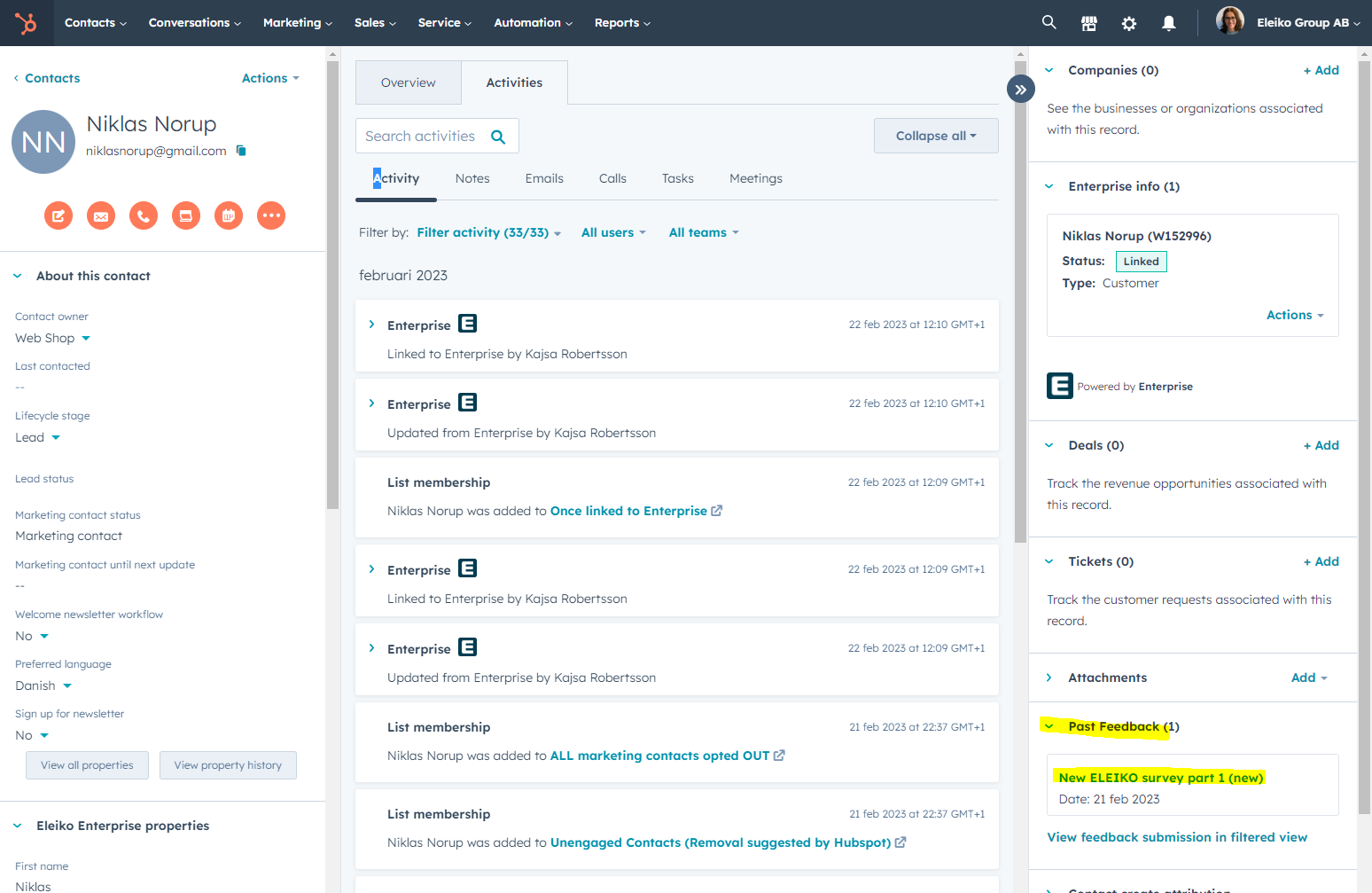
- To get back to the survey you can see it here uner "Past Feedback" on the Contact card.
Note that you might need to drag that box up a bit in the right hand bar.