![Eleiko_Logo_2021.png]](https://knowledgebase.eleiko.com/hs-fs/hubfs/Eleiko_Logo_2021.png?height=40&name=Eleiko_Logo_2021.png)
Chat
- If anyone in your team is set as available the chat will be open and chat messages can come into the conversation inbox. You set you own availability here:
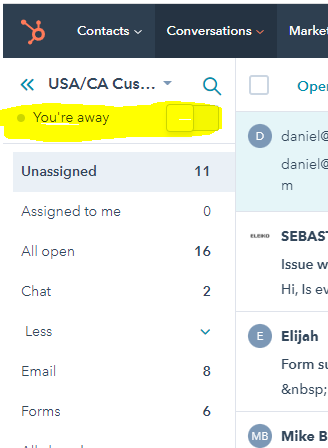
NOTE: Do not forget to turn you availablity off when you leave for the day. - In the top of the chat conversation you will see a link regarding what page the customer is on when starting the chat.
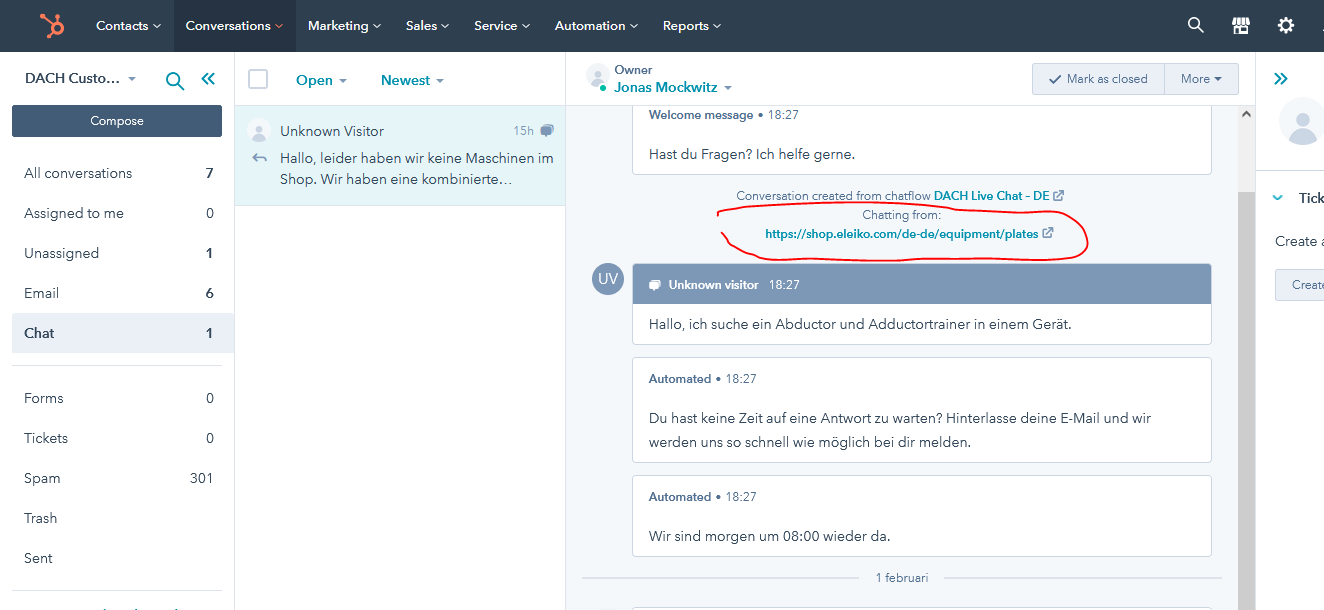
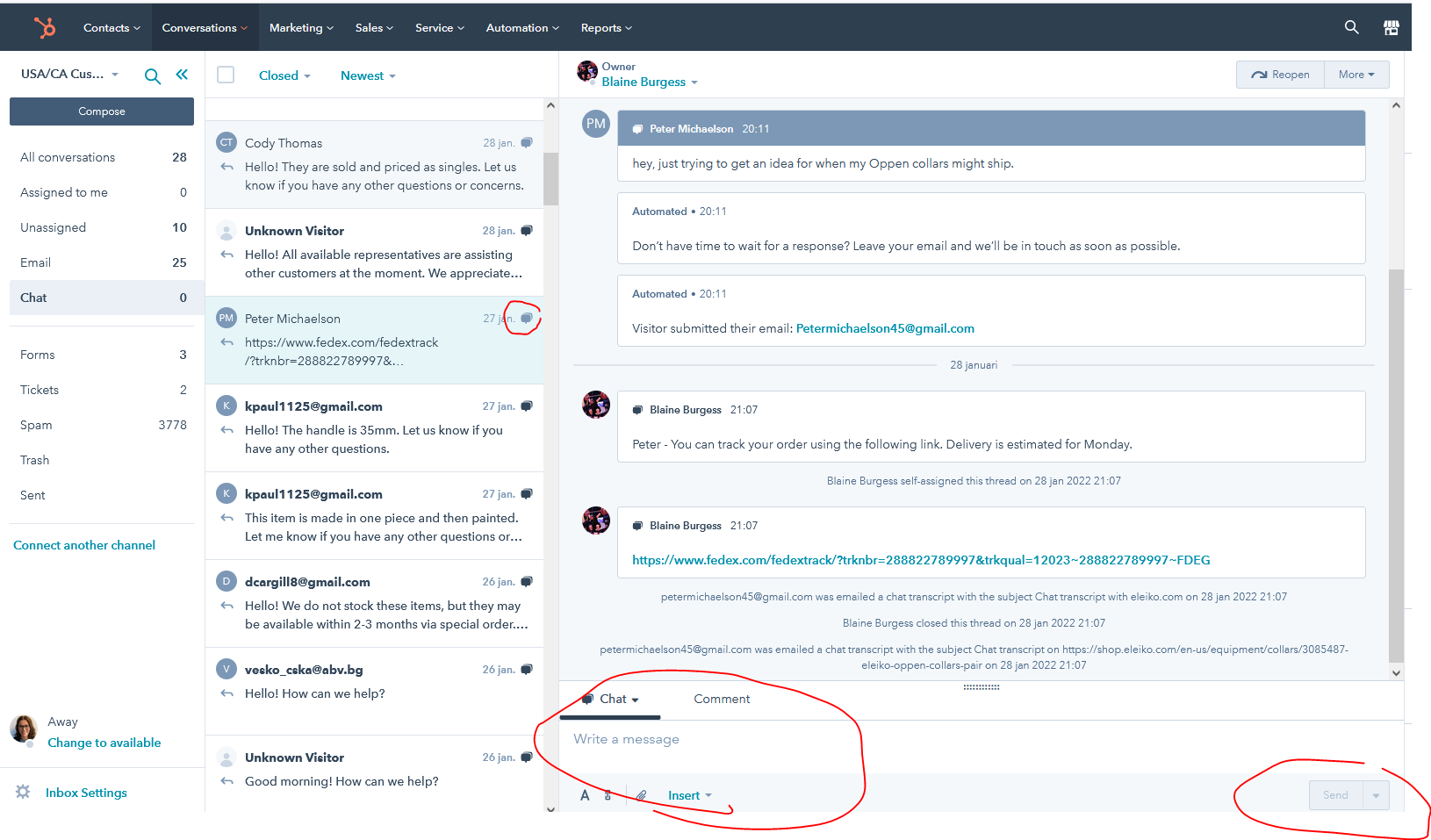
This can be of interest for example if he/she has any questions about a product and it is hard to understand from the conversation which product he/she is referring to. - When you answer a chat it is the same as with an email and you write your answers in this view.
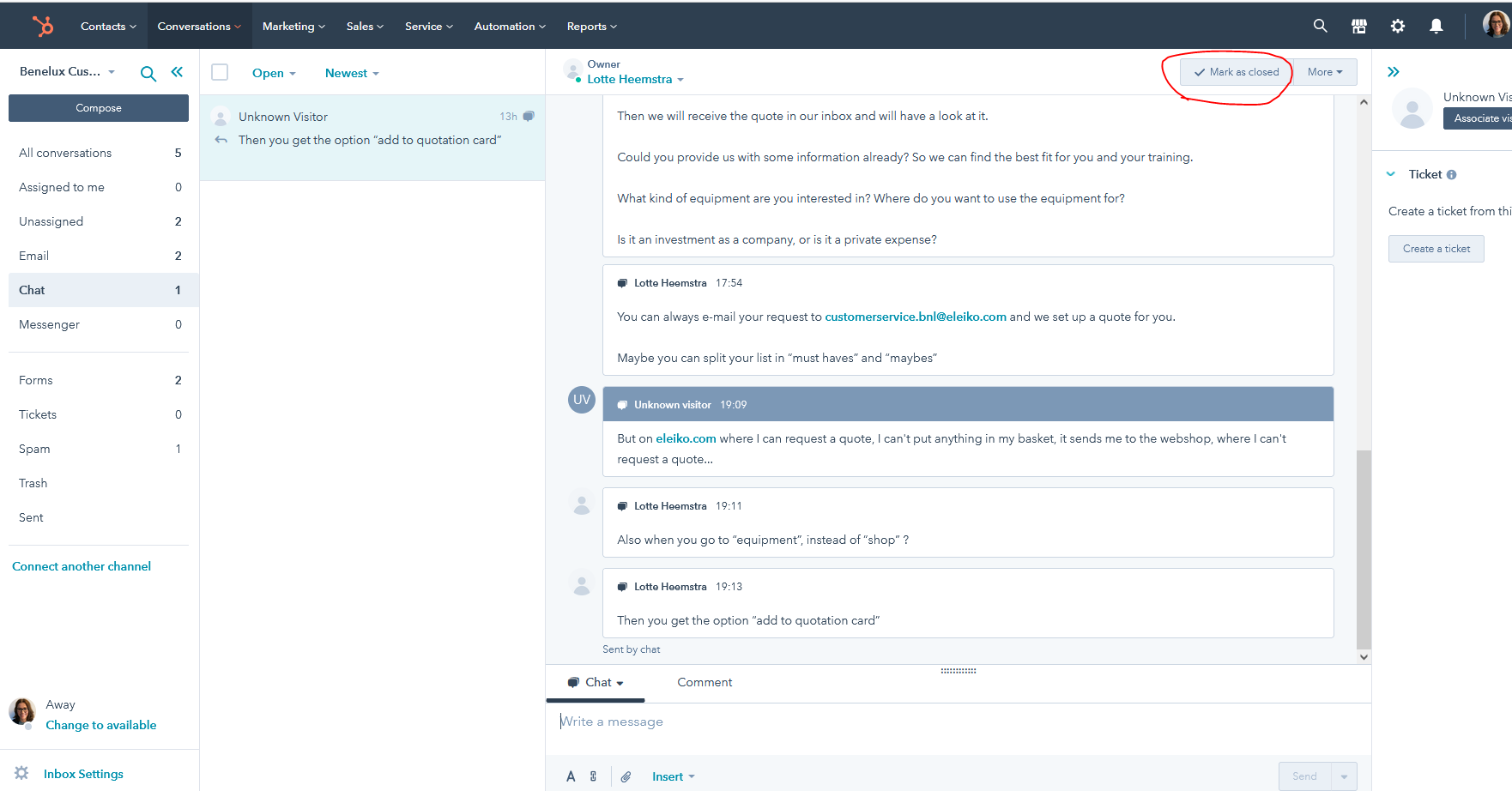
- When you have answered the customers questions please close the chat. When a chat gets closed an automated email with the chat history will be sent to the customer (if we have the email adress).